PROJECT INSIGHT ·
Joris learned to see
My assistant could work with descriptions. Vision added another possibility: I could capture an image and have the local model analyze it. I wanted to preserve a clear sequence between camera preview, capture, and processing.
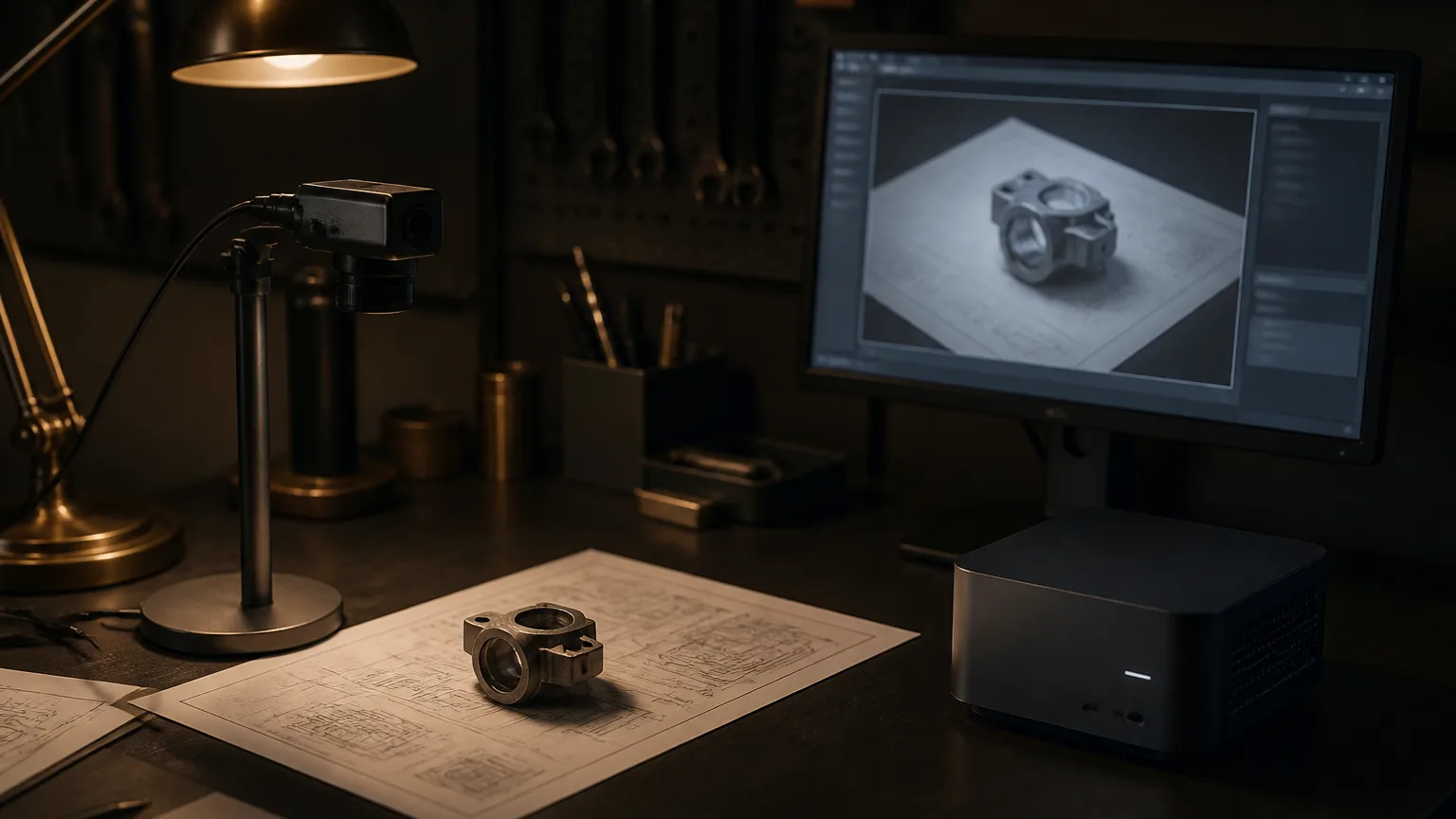
Asking about something visible opens up different possibilities from text input alone. Instead of describing everything, I could give my assistant an image for a particular task.
Look first, then capture
The camera shouldn't simply run in the background because the widget was visible. The intended flow began by deliberately opening the camera. Its preview remained in the browser.
Only capturing an image prepared a single frame for analysis. It was resized and compressed before traveling through SignalR to the application and then to the local vision model.
I wanted to decide which image my assistant received and what task it was for.
That made the transition visible. The preview helped me frame the shot. The capture command determined which moment would actually be processed. The camera became a deliberately used input source.
Two tasks for the same image
The widget offered two different tasks: describing the scene or reading visible document text. Both used a capture but needed different instructions for the model.
| Task | Intended output |
|---|---|
| Describe | A concise description of the visible scene |
| Read document | Visible text in reading order, identifying illegible passages |
Describing concerned what could be recognized in the image. Document reading should return the visible text wherever possible. An invented summary wouldn't be an appropriate response to that task.
Separating the tasks helped here too. I didn't need to put everything into a general request to the model. I could formulate instructions suited to the selected function.
Seeing doesn't automatically mean understanding correctly
An image could still be difficult to read. Small print, reflections, or awkward perspectives didn't become more reliable simply because analysis happened locally.
The response should therefore acknowledge uncertainty rather than fill in missing details. That was an instruction to the model, not a promise that every recognition result would be correct.
My experience with hallucinations took another form. Previously, I had questioned whether a claimed action really happened. Now I also needed to ask whether a description actually matched the captured image.
One image didn't need the whole conversation
Analysis didn't automatically receive the existing conversation memory. The vision system had its own task. Text visible in an image should be treated as image content, not as new instructions to my assistant.
In the intended server flow, images weren't written into conversation history, logs, or an image archive either. The result returned to the browser that had requested the analysis.
- The preview stayed in the browser.
- Analysis received one explicitly captured frame.
- Image size and accepted formats were bounded.
- The result belonged to the requesting connection.
That gave the capability a manageable data path. I could trace when an image left the browser and what it was used for afterward.
The camera shouldn't take over the conversation
Vision and speech used some of the same model infrastructure. Without coordination, they could interfere with each other. Even so, I didn't want the new capability to mean rebuilding the fast microphone path.
Image analysis received its own coordinator. Shared model access was coordinated while camera and microphone retained separate flows.

If speech processing began during analysis, the image response shouldn't start talking over it. The documented flow suppresses vision speech output in that case. Conversely, a new analysis is rejected while speech input or response audio is active.
This returned to the question of responsibilities from the earlier parts. A new capability needed room without casually making direct conversation worse.
A lot had grown from that first voice
Vision let my assistant process another kind of input. Text entry, the speech pipeline, and the first commands had grown into multiple ways in, visible information, and very different capabilities.
The path still consisted of individual decisions. What task should come next? What could I reuse? Which boundaries did the new flow need?