PROJECT INSIGHT ·
Video AI in Practice: Credit Usage, Results and Limitations After Two Weeks
Two weeks with video AI: my results with Seedance and other models, credit usage and the limitations I encountered when making AI videos.

After around two weeks with video AI, I had used up the credits in my monthly Higgsfield Ultra subscription. In my personal experiments, I mainly used Seedance 2.0 Mini and tried several other models. The results included usable clips as well as failed attempts that needed another generation or further editing.
My conclusion so far: AI can speed up video production and make ideas possible that I would otherwise struggle to realise. Reliable results still need good reference images, suitable tools and careful checking. Here, I look back at the results, credit usage and limitations I encountered.
AI video does not automatically replace craftsmanship. It gives people with ideas a new tool – and makes existing skills even more valuable.
How Video AI Changes My Workflow
A good creator gets a powerful tool with AI. This can be compared to an experienced software developer who, thanks to AI, does not suddenly need less knowledge, but can reach results faster, test variants, and offload routine work.
With AI video, the work shifts in a similar way. Less time is spent on certain technical individual steps, while more is devoted to preparation and evaluation:
- What story should the clip tell in just a few seconds?
- Which reference images define character, environment, and target state?
- Which model fits this specific task?
- Is a new generation necessary, or can the existing version be saved?
- Which errors are purely technical, and which destroy the actual message?
- Is the final file really fully checked after editing and correction?
AI accelerates production, but it does not absolve you of responsibility for the outcome.
Short AI Clips: What Is Possible Without a Large Studio
Even without years of filmmaking experience, surprisingly good short clips can be created today. Good visuals, an understandable prompt, and a suitable model are sometimes enough to generate a scene in just a few minutes—a task that would have required significantly more effort in the past.
This is where the major change lies: Access to moving images featuring complex characters, effects, and environments has become considerably easier. Individual creators can now explore ideas that would previously have failed due to budget constraints or a lack of production capabilities.
However, the low barrier to entry must not be confused with complete mastery. A spectacular eight-second clip is something entirely different from a cohesive story.
Why Longer AI Films Still Need Specialist Skills
Once the focus shifts from a single short moment to multiple scenes or an entire film, the requirements rise significantly. Characters must remain consistent across many settings. Clothing, environments, props, and lighting must not change unnoticed. Camera movements, connections, dialogue, lip-sync, audio, and rhythm must all align.
Dramaturgy and direction also come into play. A technically impressive scene does not necessarily tell a good story. Those who understand camera operation, editing, lighting, sound, animation, and visual storytelling can use the models much more precisely and identify their errors more quickly.
Without expert knowledge, AI video can deliver surprising results. With expert knowledge, it becomes a controllable production tool.
My Experience with Seedance and Other Video AI Models
Seedance 2.0 Mini was used far more frequently than Kling or Wan. The reason was simply the price: Seedance was comparatively affordable and simultaneously delivered partly fantastic results. For short stories with stable reference images, it quickly became my workhorse. I could only test Veo to a limited extent so far and therefore cannot yet evaluate it with a fully documented example.
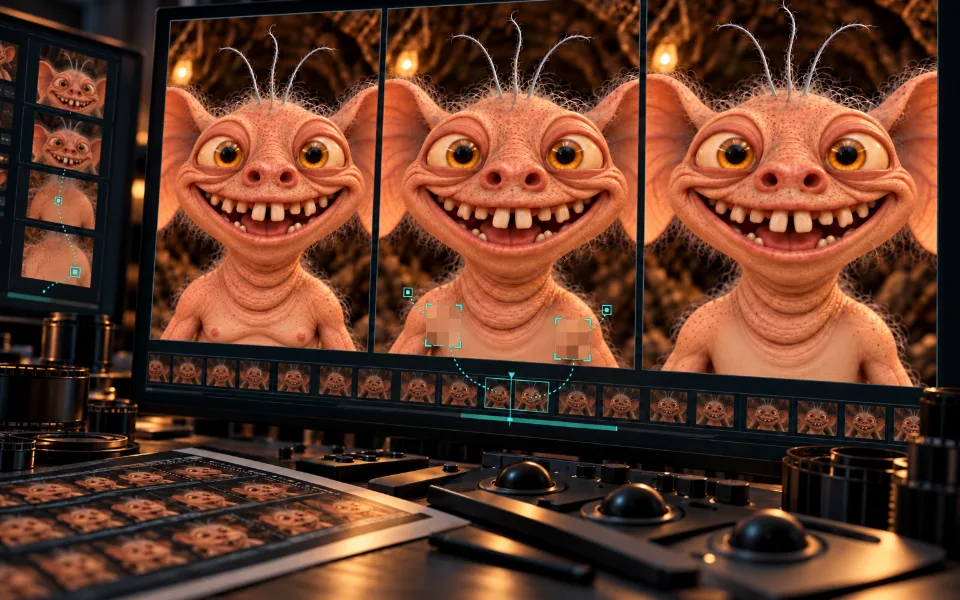
It worked particularly well not just to describe what I wanted to see to the model, but also to provide good starting images. A reference image defines appearance, lighting, perspective, and mood much more clearly than many additional sentences in the prompt. This same effect became evident again when specifically correcting the cave dweller: two matching skin references were more important for Genjutsu than a generally formulated change instruction.
Other tasks required other tools. Kling worked well for short performances, Wan was used for various motion and object tests, Gemini Omni generated transitions, and Genjutsu could specifically repair an already successful clip. Remotion remained important for everything that had to be exact and reproducible.
Common Errors: Why More Expensive Models Weren’t Automatically Better
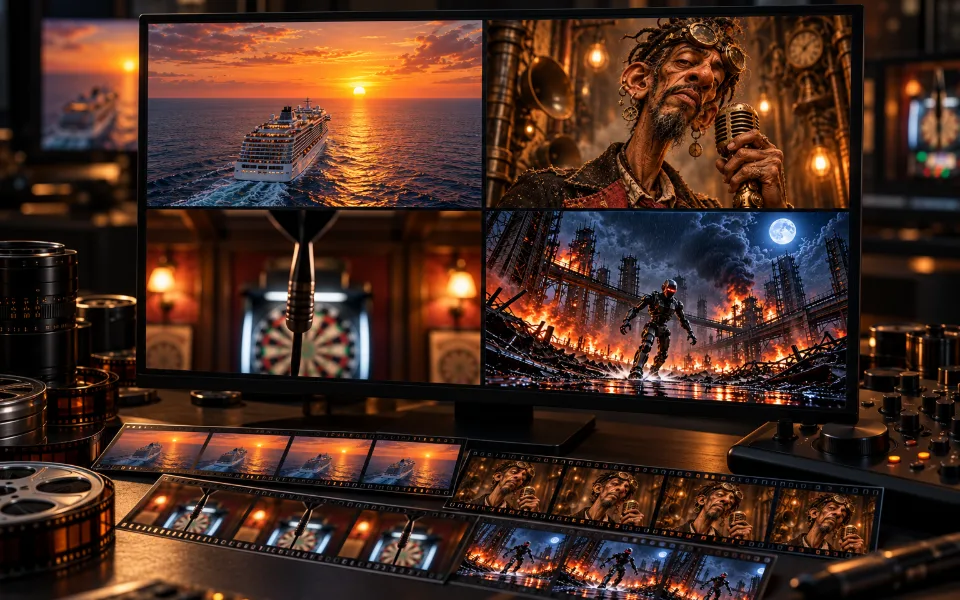
A higher credit price did not guarantee a better result. Even detailed prompts did not prevent ships from changing shape, arrows from appearing twice, flower petals from swapping, or characters from simply not performing a requested action.
In several cases, a generation looked impressive at first glance but still failed to accomplish the actual task. Only complete control revealed whether a clip was merely atmospherically strong or actually told the planned story.
My attempts therefore still do not suffice for a final ranking. In these roughly two weeks, I could only test a portion of the available models and features. A fair comparison of all offerings would require the same tasks, the same references, and significantly more time and credits.
Higgsfield Ultra: My Monthly Credits Ran Out After Two Weeks
I booked Higgsfield Ultra for a full month. However, due to my rather excessive testing, the included credits were already used up after roughly 14 days. I had predominantly used the comparatively affordable Seedance 2.0 Mini. More expensive models like Seedance 2.5 had not yet been seriously incorporated into the test series.
This shows how quickly individual generations, discarded variants, and targeted correction attempts accumulate. The costs alone tell only half the story. In these two weeks, numerous figures, scenes, and short stories were created for which I would have needed significantly more production time, additional tools, or external support via conventional means.
Therefore, both aspects must be considered in the evaluation: What did the credits cost – and what did they enable? Some of the results I presumably could not have implemented in this form without AI video. For others, it primarily saved time and made it possible to test multiple ideas instead of laboriously producing just one of them.
For me, the actual value therefore does not lie in the number of generated seconds. It lies in the gained creative reach and in the time saved between an idea and a visibly assessable result.
Why I Still Check AI Videos Myself Despite Automation
Many technical steps of my production can now be repeated or automated. The decisive evaluation, however, cannot: Whether a punchline works, a figure appears credible, or a clip fulfills one's own design requirements remains a human decision. Speed therefore does not replace editorial control.
The Next Step Could Involve Unreal Engine or Unity
For me, the connection of AI with controllable real-time 3D environments will be interesting next. Unreal Engine or Unity could form a bridge between generative speed and classic production control.
In a 3D engine, camera, lighting, figures, spaces, and movements can be specifically defined. AI could accelerate designs, animations, materials, dialogues, or individual transitions in this process without every scene having to be generated anew and unpredictably.
That would be a logical next step: moving away from separate short clips toward an environment where longer stories can be planned and produced more consistently. Whether this interplay already convinces in practice would be worth experimenting with – and possibly also a topic for a new series in the future.
My Conclusion: Where Video AI Helps Me Today
After these first experiments, video AI has become one of the tools I use for personal projects. It was particularly useful for short clips and for trying out ideas quickly. Good reference images, model selection and checking the finished video remained essential.
Whether it is worth using depends on the task, the credits required and the amount of editing afterwards. My experiments are not a complete ranking of the models. In a future series, I would like to explore what improves with more experience and better tools — and which limitations remain.
The crucial question is not whether AI will participate in video production in the future. The question is how well we learn to work with it.