PROJECT INSIGHT ·
My First Experiences with AI Video: What Works—and What Doesn't
My first hands-on experiments with AI video—and what actually happens when Higgsfield, Codex, strong reference images and careful final review come together.
For my first hands-on experiments with AI video, I signed up for a month of Higgsfield Ultra. I did not want to watch a few spectacular demos; I wanted to find out for myself how far AI video has really come. What works on the first attempt? What takes several tries? How much do the different models matter? And how much control remains when a prompt suddenly turns into moving images?
My goal was concrete from the start: I wanted to produce Reels for the Operus Instagram account, where I also publish most of the results from these experiments. The Reels are more than test material; they are the visible outcome of a practical production process—including successful ideas, necessary corrections and, occasionally, a failure worth learning from.
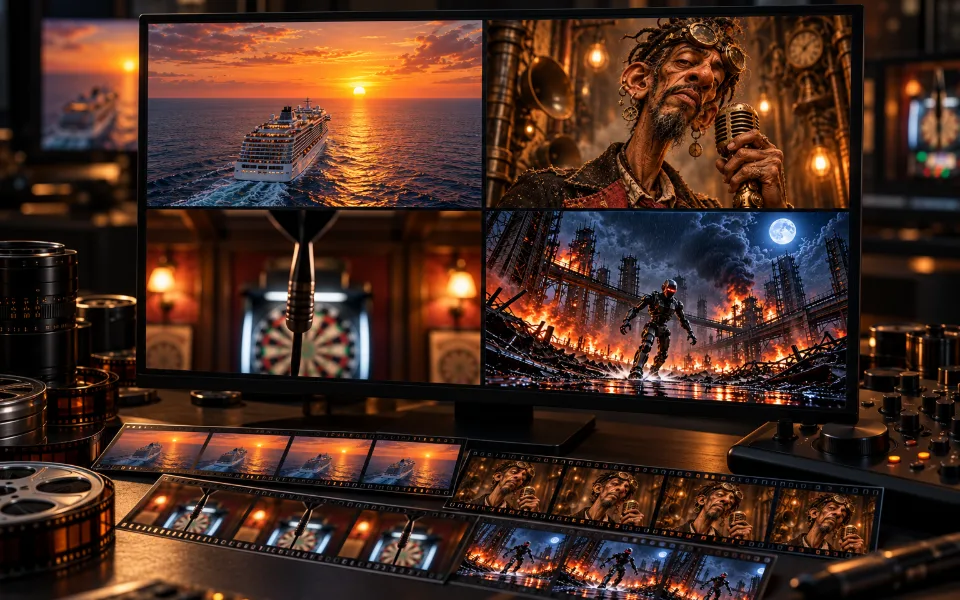
I connected Higgsfield to Codex through the MCP, creating an unusual workflow. Together, an idea became a concept, a set of reference images, a structured prompt and finally a video. I did not stop at watching the preview. I saved the finished file, played it at normal speed and, for important productions, reviewed every frame as well.
The Higgsfield MCP is not tied to Codex; the same approach can be used with Claude, for example. I deliberately chose Codex because its integrated ImageGen workflow produces images I like considerably more. Opening frames and visual references can be created within the same workflow, so I do not need a separate image-generation tool.
For editing and assembly, I use Codex with Remotion. The workflow therefore does not end with isolated generated clips: scenes can be trimmed, arranged and combined into a finished Reel. This is particularly useful when one strong section is worth keeping even though the entire generation is not usable.
To keep the workflow repeatable, I documented file storage, version names and final review in a dedicated AGENTS.md. Part 7 explains exactly how that review works and which steps can be automated.
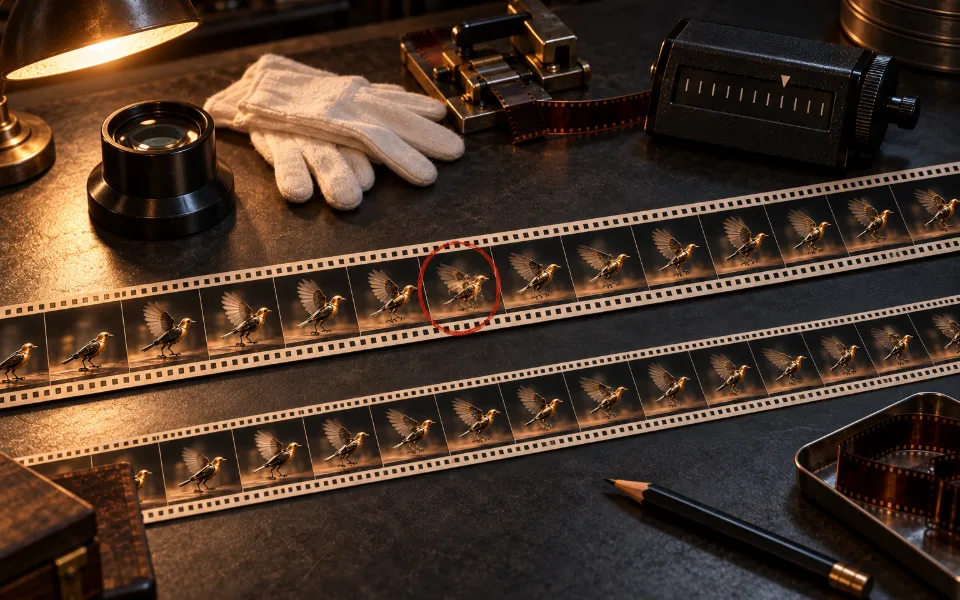
An AI-generated video can look fantastic at first glance and still show something that does not belong there for just a few frames.
A lesson from my first productions
In the time available, I could not try every video model offered through Higgsfield. At the start of this series, I therefore focus mainly on Seedance, Kling, Veo and Wan—the models with which I already have hands-on experience. This selection is neither complete nor intended as a ranking. It begins with an observation that runs through almost every production: the model can do astonishing things, but it does not understand the story in the same way I do.
From an Idea to a Finished Clip
Most of my experiments began with a short idea: a cute alien should reveal an unexpected reverse side while dancing. A frog should croak so deeply that the scene almost vibrates. A robot should bring a flower to life. Or a rapper should deliver a short verse against a Mannheim backdrop.
- What must already be clear in the opening frame?
- Which character, clothing or environment must remain unchanged?
- Which visible action carries the story?
- Which moment is the climax?
- Does the model need only an opening frame, or intermediate and final frames as well?
- Which model suits the task, and how many credits will the attempt cost?
- Which failures would make the clip unusable?
Codex helped turn the idea into a production brief that could be checked. Higgsfield provided the models and generation. The creative decisions still remained mine: which attempt to start, which flaw to accept and which result could actually be used in the end.
A Result That Worked
One successful experiment begins with a tiny, harmless-looking alien. It dances on a wooden table, turns around and reveals an enormous set of teeth on the back of its head. The punchline works because the video first establishes a clear expectation and then visibly breaks it.
Transkript
No speech. The audio contains electronic percussion, footsteps, a whoosh during the turn, a bass accent and rhythmic tooth clicks.
For me, this clip initially proved that the idea could work technically. The alien was not yet ready to become a recurring character. The enormous teeth on the back were funny as a one-off punchline, but too absurd in the long run. I also removed the third eye in later versions. With two eyes, the character looked much cuter and more likeable. Those changes gradually led to Fridolin.
The clip was generated with Seedance 2.0 Mini. A 15-second vertical generation with high bitrate and native audio cost 15 credits. Two prepared images were especially important: the opening image established the cute front, while the final image defined the reverse side with its enormous teeth.
Create a single continuous 15-second vertical Instagram Reel shot with strong character consistency and a clean comedic story. Use the supplied three-eyed alien image as the exact opening frame and character design. Use the supplied reverse-side giant-mouth image as the exact final reveal target. The creature remains tiny on the same wooden tabletop in the same warm blurred room, with identical pearlescent translucent pale-green skin, cyan light from camera-left, magenta rim light from camera-right, same macro lens, framing and shallow depth of field.\n\n0.0-1.5s HOOK: a distorted toothy shadow/reflection flickers briefly across the polished tabletop while the innocent three-eyed alien stands above it, then the shadow vanishes.\n\n1.5-5.5s CUTE DANCE: the alien hears a cheerful quirky beat and begins an awkward joyful dance, bouncing lightly, tapping its tiny feet, wiggling its mismatched arms and wobbling its oversized head; all three front eyes remain stable and expressive.\n\n5.5-8.0s BUILD: the dance becomes confident; it plants one foot, winds up, and begins one smooth energetic spin, with physically coherent limbs and no camera cut.\n\n8.0-10.5s REVEAL: during the turn, the three-eyed front rotates out of view and the opposite/back side of its head naturally reveals the enormous grinning mouth from the end reference, filled with multiple rows of long pointed ivory teeth; this is anatomy on the reverse side, not a morph and not a second creature. Hit a playful bass drop at the reveal.\n\n10.5-14.0s PUNCHLINE: still facing the camera with the toothy reverse side, it dances even more happily and rhythmically, bouncing and doing tiny side steps while the giant mouth grins and lightly chatters its teeth in time with the beat. The mood is absurd, joyful and surprising, not violent.\n\n14.0-15.0s END: settle clearly into the supplied end-image pose, holding the delighted giant grin for a satisfying final beat.\n\nNative audio: upbeat quirky electronic percussion, tiny rubbery foot taps, a tasteful comic whoosh during the spin, one bass-drop accent at the reveal, and light rhythmic tooth clicks; no speech.\n\nMaintain one creature, one continuous shot, stable background and consistent body throughout. No blood, no gore, no attack, no biting at camera, no drool, no extra eyes on the mouth side, no extra limbs, no duplicated creature, no body warping, no camera cuts, no text, no captions, no logos, no watermark.The prompt describes the action and timing in great detail. But the text alone was not decisive. The opening and final images gave the model two strong visual anchors; it did not have to invent the character's appearance or the target of the reveal entirely on its own.
An Almost Successful Result That Still Failed
A second clip used the same character, the same model, the same duration and another 15 credits. This time, the alien was meant to sneeze. Its head should inflate like a balloon and lift the tiny body into the air. At first glance, it works remarkably well. During playback, however, an extra mouth briefly appears on its belly—an unmistakable anatomy failure.
Transkript
No speech. The audio contains playful electronic music, a sneeze, elastic inflation sounds, floating effects and a gentle contact sound.
Create one continuous 15-second vertical Instagram Reel shot. Begin exactly from the supplied start image and preserve this exact tiny alien character, its pearlescent translucent pale-green skin, two large outer eyes, the adorably closed small middle eye, tiny round torso, delicate arms and legs, antennae, wooden tabletop, warm blurred room, cyan light from camera-left, magenta rim light from camera-right, macro lens and shallow depth of field. The creature must remain recognizable and cute throughout.\n\n0.0-2.5s HOOK: the alien simply stands close to camera and looks overwhelmingly adorable, with the small middle eye gently closed like a contented smile. It tilts its oversized head and gives a tiny shy wave. Keep the pose readable immediately and do not open the middle eye yet.\n\n2.5-4.5s BUILD: one floating dust mote drifts down and tickles the tip of its antenna. The antenna twitches. The two large eyes widen. The tiny body braces for a sneeze while the closed middle eye scrunches tighter.\n\n4.5-6.0s SURPRISE: it produces one tiny cute squeaky sneeze. On the sneeze, its huge translucent head rapidly but smoothly inflates like a soft transparent balloon, becoming even larger and rounder while remaining organic and retaining the same skin material and facial identity. This is playful elastic inflation, not an explosion and not body horror.\n\n6.0-11.5s PUNCHLINE: the buoyant inflated head gently lifts into the air. The tiny body stays attached beneath it and dangles safely above the tabletop, joyfully pedaling its little legs and waving its arms while slowly floating upward and sideways. The two large eyes show delighted surprise; the closed middle eye remains cute. The antenna bobs naturally. Camera makes a subtle smooth upward tilt to keep the entire creature visible.\n\n11.5-14.0s FINISH: the floating creature drifts toward the lens, softly taps the camera with the glowing antenna tip, and smiles with its eyes. Add a gentle rubbery bounce on contact.\n\n14.0-15.0s LOOP FEEL: with a quick soft deflation squeak, the head returns to its original proportions and the creature settles back toward the opening pose, ready for a satisfying repeat.\n\nNative audio: quiet whimsical plucked-electronic rhythm, soft room ambience, a tiny buildup inhale, one adorable high-pitched sneeze, a rubber-balloon inflation sound, airy floating whooshes, tiny happy squeaks, and a gentle boop on the lens; no speech.\n\nOne creature only, one uninterrupted shot, stable lighting and background. Preserve clean anatomy and consistent limbs. No giant mouth, no teeth, no horror, no popping explosion, no injury, no slime, no extra eyes, no duplicated creature, no detached body parts, no text, no subtitles, no logos, no watermark.The additional mouth appeared despite the explicit instructions. A negative instruction is not a guarantee. During major changes—in this case growing, floating, gesturing and approaching the camera—the previously stable anatomy can briefly be reinterpreted.
Both Attempts Cost the Same
| Attempt | Model | Duration | References | Cost | Result |
|---|---|---|---|---|---|
| Dance and teeth | Seedance 2.0 Mini | 15 seconds | Opening and final image | 15 Credits | Approved |
| Balloon sneeze | Seedance 2.0 Mini | 15 seconds | Opening image | 15 Credits | Anatomy failure, not approved |
The same model and the same price do not produce the same reliability. The first clip has a clear target in its final image. In the second, the model must resolve several major changes of state on its own. This is why I no longer regard reference images as decoration for a prompt: they are part of the direction itself.
What the First Experiments Already Made Clear
My productions so far are not enough for a definitive model ranking. I used Seedance 2.0 Mini far more often than Kling, Veo, Wan or the more expensive variants. The reason was simply price: Seedance 2.0 Mini was comparatively affordable while still producing fantastic results. A fair comparison will eventually require the same task, the same images and settings that are as similar as possible.
This is also only a snapshot. Higgsfield offers considerably more video models and model variants than I could reasonably try during these first experiments. Testing all of them with comparable tasks, multiple variants and a complete quality review would require not only time, but a substantial number of additional credits. This series is therefore not a complete market overview. It documents the models I actually used and expands the comparison whenever new, reliable experiments become available.
- A clearly defined opening image is often more valuable than another paragraph in the prompt.
- A final image can help the model actually reach a punchline or transformation.
- Short, visible actions work more reliably than many changes of state within a single clip.
- Negative instructions do not reliably prevent anatomy failures.
- More expensive does not automatically mean more suitable.
- Native speech and music can be remarkably good, but still require a human listening review.
- The saved export must be watched in full; a preview or a beautiful still image is not enough.
Why This Became a Series
At the moment, AI video is neither merely a toy nor already a dependable camera. With strong images and a limited action, it can produce scenes in minutes that I could hardly create through conventional means. At the same time, a few individual frames, a wrong pronunciation or an ignored movement instruction can make the result unusable.
The following chapters explore the different models, the value of strong reference images, common misunderstandings, costs, post-production and complete final review. The next chapter is therefore not a blanket ranking, but a look at four different tasks—and which model was a better or worse fit for each of them.
Seedance, Kling, Veo and Wan—how AI video models can be compared meaningfully.