PROJECT INSIGHT ·
I Didn’t Just Want to Keep Score. I Wanted to Get Better.
There are plenty of apps that keep score in darts. What I was missing was something else: a place that would show me whether I was actually improving. In early May 2026, I started building that place myself. I called it Dartbude.
I’m a darts player. And I had spent a long time looking for software that took my practice seriously.
There are established tools for darts. Some manage leagues; others keep score during a game. Both have their place. But when I stood at the board on my own and wanted to practise, they only helped me so much.
A scoring app or an electronic dart machine tells me how many points I have left. What it doesn’t tell me is whether I’m hitting my doubles more consistently than I was three weeks ago. Where am I losing the most points? And which drill would help me work on that?
Other sports have tools for exactly this. Runners have Strava, strength training has Hevy, and chess players practise with Chess.com. These apps support practice over weeks and months. I was missing something like that for darts.
I also wanted to build something of my own again. An app where I could decide what it should do — and make it fit the way I practise. Of course, there was that familiar ambition too: could I come up with something better? How far could I take it? Could I even get it to count the darts automatically?
If the software you want doesn’t exist, build it yourself.
Professional software and systems such as Autodarts were already available. But I already had a Löwendart HB8 in my basement, and there simply wasn’t room for another board. So my first thought was to use an ESP32 to read hits directly from the machine’s switch matrix. That would have removed the need for a camera altogether.
The idea appealed to me. But the longer I thought about it, the less I wanted to tie the app to my own machine. Perhaps it could become something I could eventually offer to other darts players for free. And they shouldn’t need an HB8 in their basement to use it.
Connecting directly to the machine could wait. First, I wanted to build a training app that would work independently of my HB8. The camera remained an idea for later.
A Place of My Own
The name mattered to me. In German, a Bude can mean a small, informal place of your own — somewhere personal and a little cosy. That was how I wanted the app to feel: less like software for a sports association and more like the place where you throw a few darts in the evening and gradually get better.
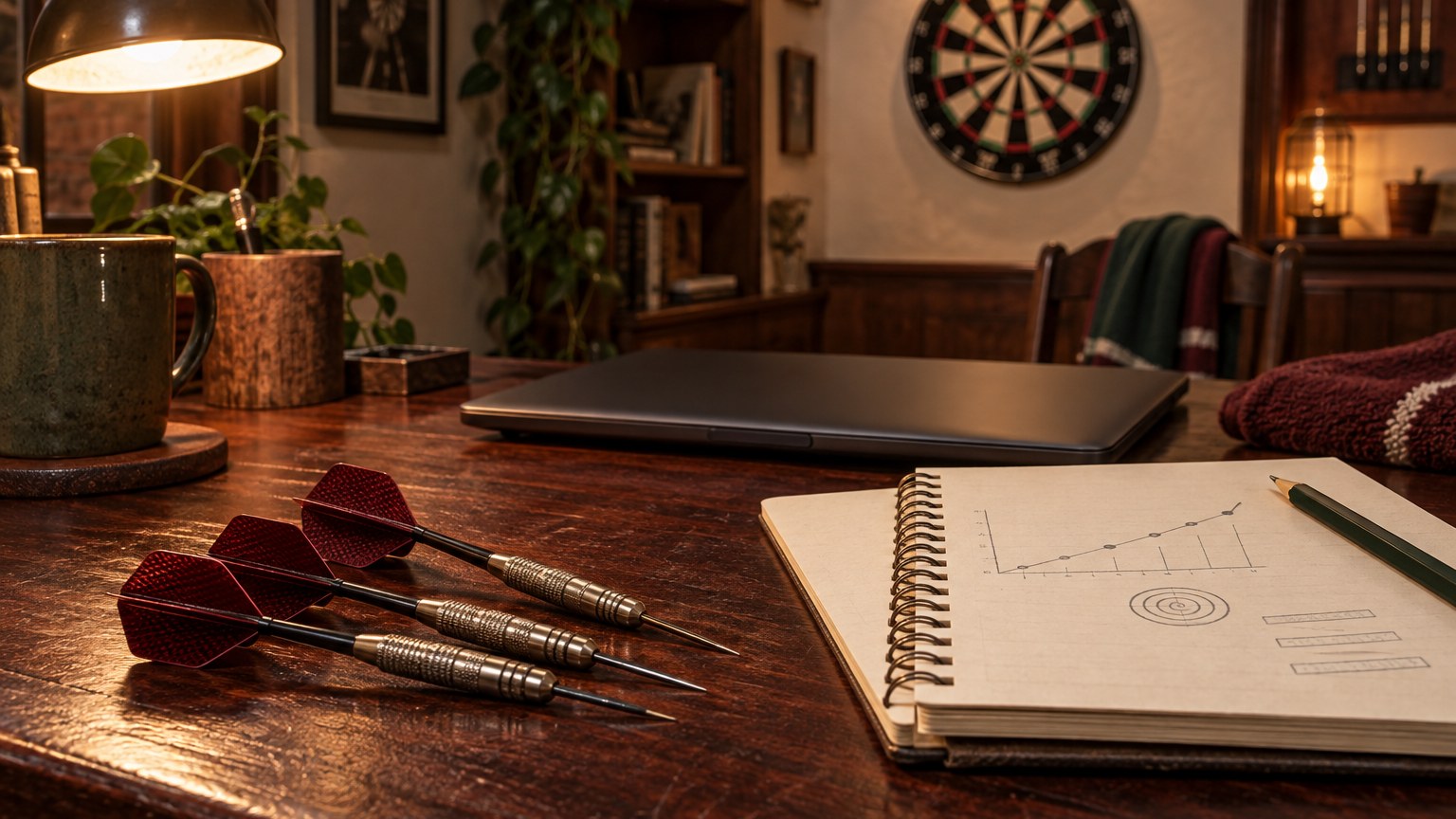
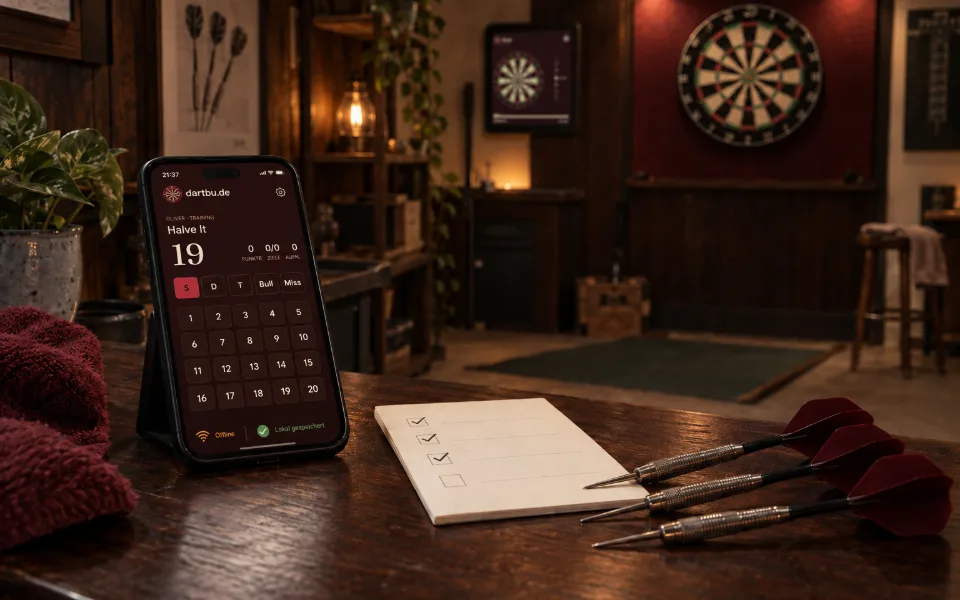
That idea of a personal darts space also had a practical side. Dartboards often hang in basements, garages or back rooms, where Wi-Fi isn’t always reliable. A training app that stopped working without a connection would fail in exactly the places it was meant to be used. So Dartbude needed to work offline from the start.
What It Wasn’t Meant to Be
Knowing what the app didn’t need to do was just as important as knowing what it should do. I wrote that list early on:
- No league or club administration
- No tournament tracking
- No online play against people elsewhere
- No integration with electronic dartboards at launch
- No ads, subscriptions or premium features
I hadn’t forgotten about these things. I had deliberately left them out. Any one of them could have become a project in its own right. First, I wanted to focus on the core: practising alone or with friends at the same board, improving and keeping at it.
How Dartbude Would Fit Together
Before I wrote the first line of code, I already had a picture of how the app would be used:
| Device or environment | Role |
|---|---|
| Smartphone in your pocket | Check your profile, training plan and previous sessions |
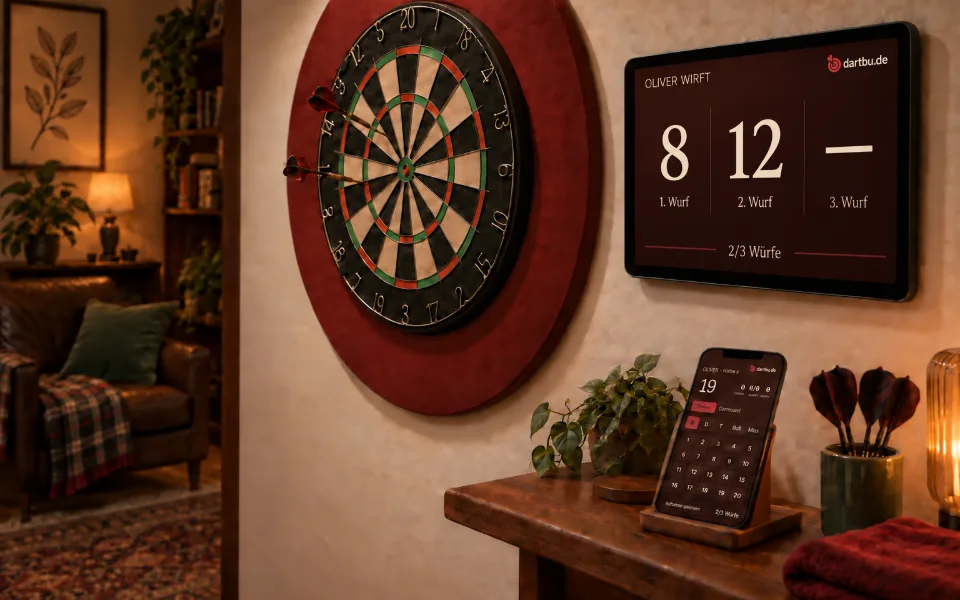
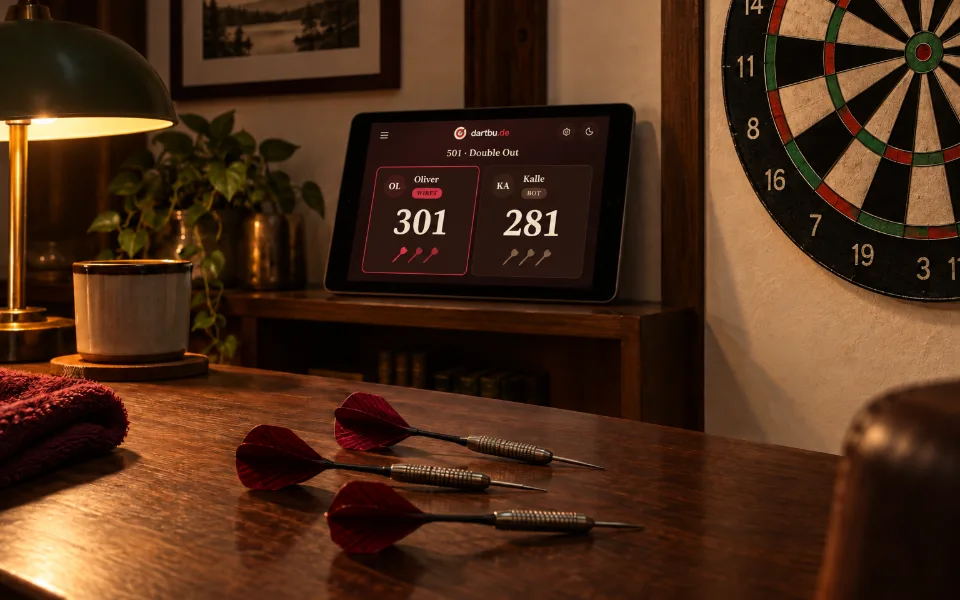
| Tablet beside the board | Display the current target, score and turn order clearly enough to read from two to three metres away |
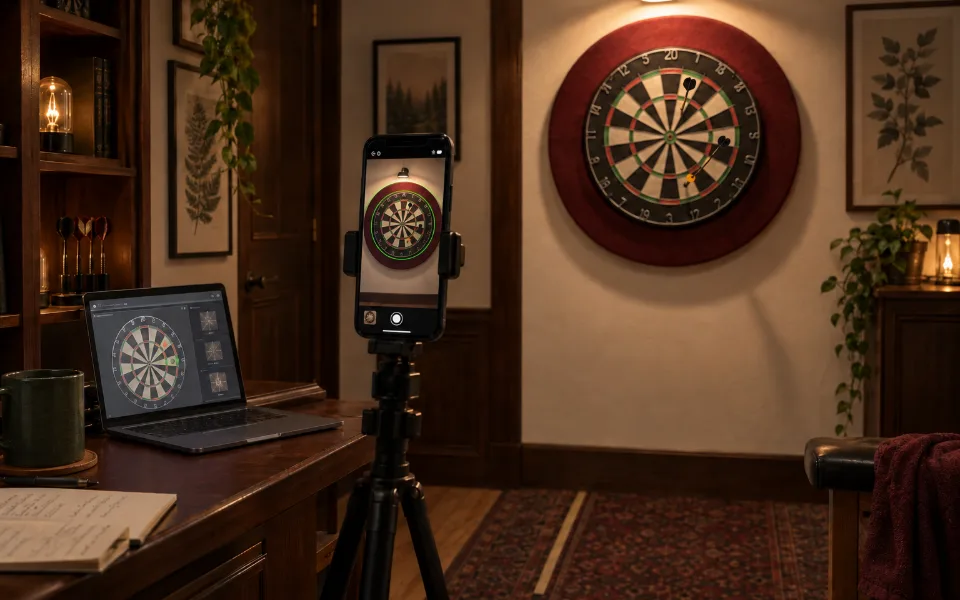
| Smartphone on a tripod | Eventually recognise dart hits using the camera |
| Windows PC, Mac or Docker container | Run the backend, where Dartbude’s data and functionality come together. Access the app through a browser on a smartphone or tablet. |
The tablet on the wall was the most important part for me. I would throw, and the screen beside the board would immediately show me what came next. At that point, the camera on the tripod was still a distant idea. It would end up occupying me for much longer than I imagined.
I chose to build a web app that could be installed like a regular app — a Progressive Web App, or PWA. That way, the same application could run on smartphones and tablets without me having to build separate apps for iOS and Android.
Dartbude runs on a computer on your local network. Smartphones and tablets open its interface in a browser; there is no need to install it separately on each device.
A Plan in Stages
I didn’t want to build everything at once. So I divided the project into phases, each of which should deliver something usable:
| Phase | Goal |
|---|---|
| 1 · Trainer | Classic practice drills, score entry, session history and basic statistics |
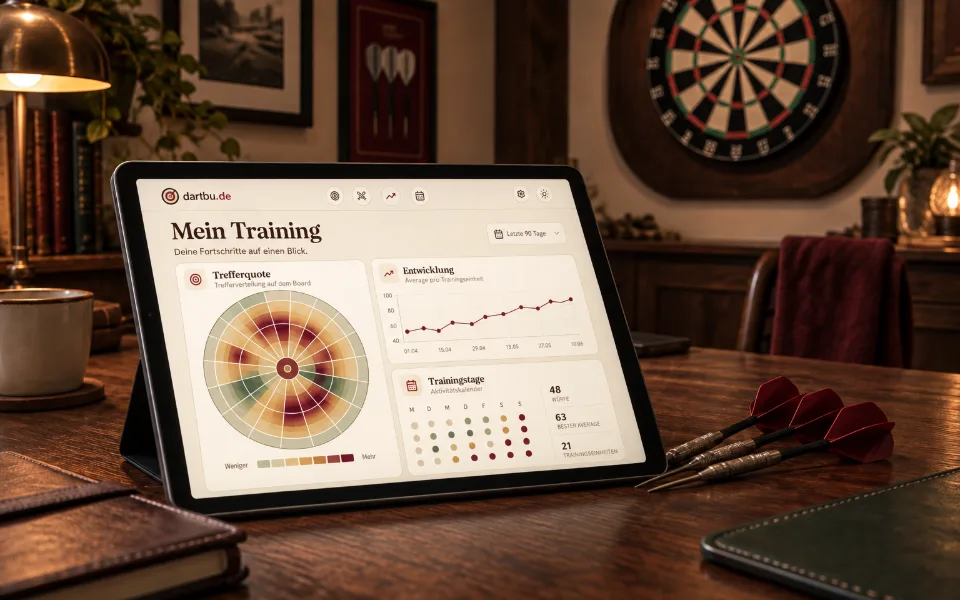
| 2 · Smart Stats | Heatmaps, trends, personal records and training plans |
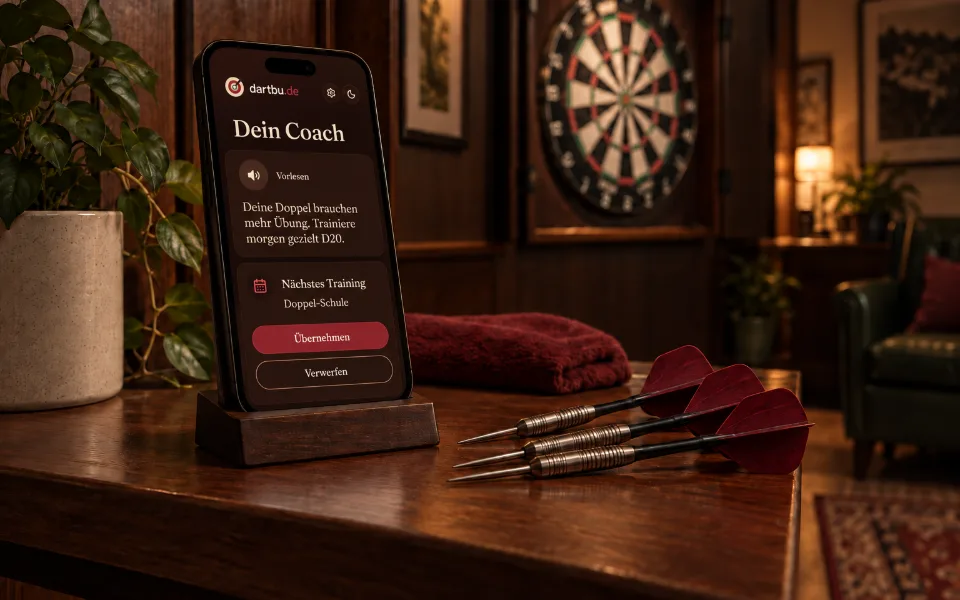
| 3 · Coach | Analysis and recommendations after practice |
| 4 · Bude-Cam | Automatic dart recognition using a camera |
| 5 · Game Mode | 501, 301 and Cricket for practice games |
| 6 · Community | Challenges and comparisons, sometime later |
I broke the first phase down further into eight smaller stages. For some of them, I noted a particular milestone: the first “I can actually use this” moment, the tablet working on the wall, statistics that made me want to come back, and finally a complete first version.
The very first drill was Around the Clock. Even that involved more detail than you might expect. The app needed to know that the targets followed their actual order around the board: 20, 1, 18, 4 and so on, finishing with the bull.
I Didn’t Build It Alone
I developed Dartbude with the help of Visual Studio Code. Claude and Codex were additional tools along the way — helping me explore ideas, write code and question solutions.
Being able to use both Claude and Codex worked extremely well for me. As development progressed, I found that Codex helped me more with some tasks, while Claude was more useful for others. Which tool I preferred depended on the task at hand.
Both helped me move much faster than I could have on my own. The ideas, the decisions about what the app should and shouldn’t be, and the testing at the actual board remained my responsibility.
The Beginning of My Dartbude
Just a few days after I started, the basic structure was in place: a backend, an interface, a database and the first practice drill. It was still a long way from being a finished training app. But the direction was clear.
This series tells the story of how that gradually became Dartbude. It includes the statistics, the coach, games against a bot, the camera at the board and a website where the first interested players had already signed up for early access. And the mistakes I found along the way, before someone else could find them.
But first, I wanted something very simple: to stand at the board, throw and watch the tablet beside me keep track. Even if, at the beginning, I still had to enter the hits myself in the app on my PC or Mac.